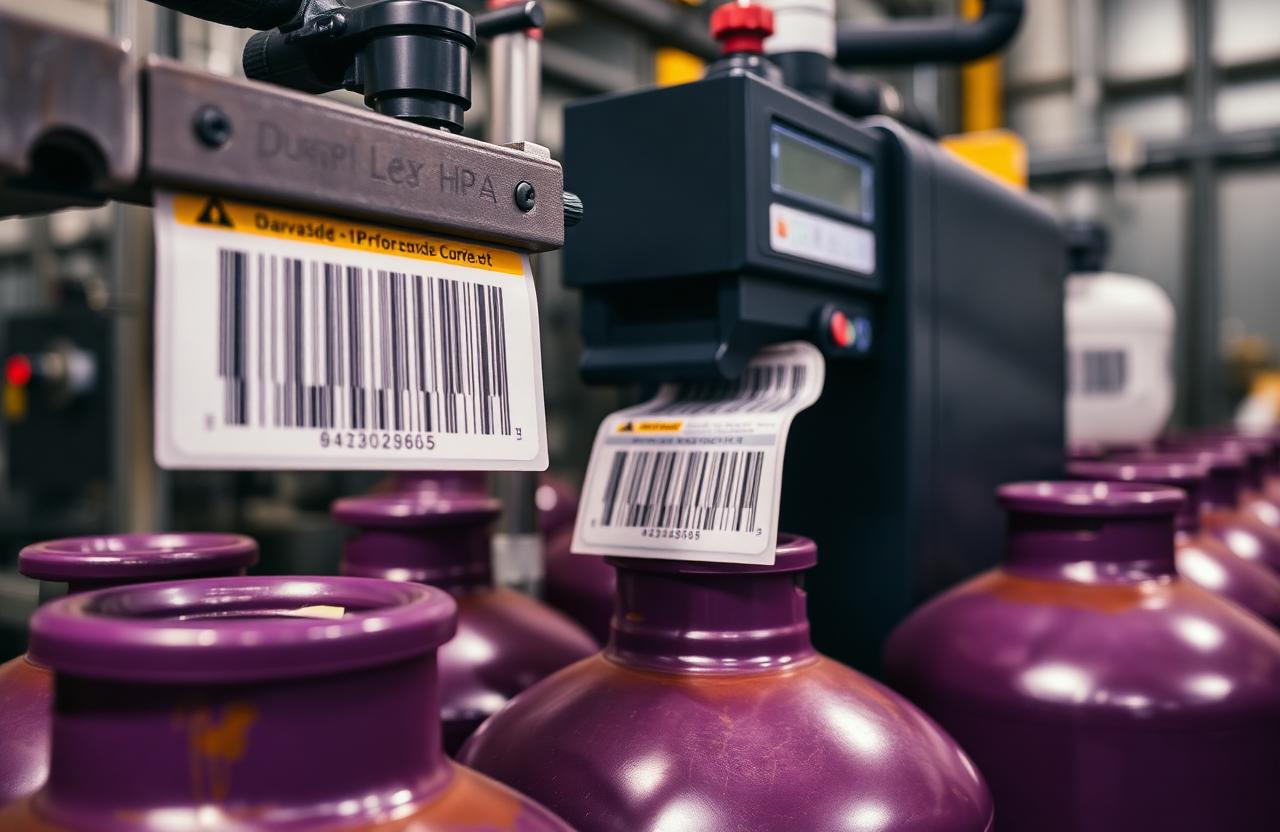
Cylinder Barcode Systems: Setup, Printing & Best Practices
A barcode system is only as reliable as the label it lives on. Cylinders face heat, cold, abrasion, caustic wash-downs and years of rough handling, so the choices made about barcode symbology, label material and scanning workflow matter far more here than they would for a warehouse carton that gets scanned once and discarded. Get these decisions right and a barcode will still be readable a decade after it was printed; get them wrong and a company can find itself re-labelling its entire fleet within eighteen months, losing scan history and asset continuity in the process.
Cylinder barcode tracking sits at the foundation of almost every modern gas operation, whether the company also layers RFID or IoT telemetry on top of it or not. It is the cheapest, most universally compatible way to give a physical cylinder a permanent digital identity, and because it requires nothing more exotic than a printed label and a scanner, it remains the default starting point for companies moving away from paper registers. But "cheap and simple" only holds true if the underlying practices are sound — a poorly specified barcode program can end up costing more in reprints, lost scan history and reconciliation headaches than a more expensive technology would have in the first place.
Choosing the right symbology for a cylinder
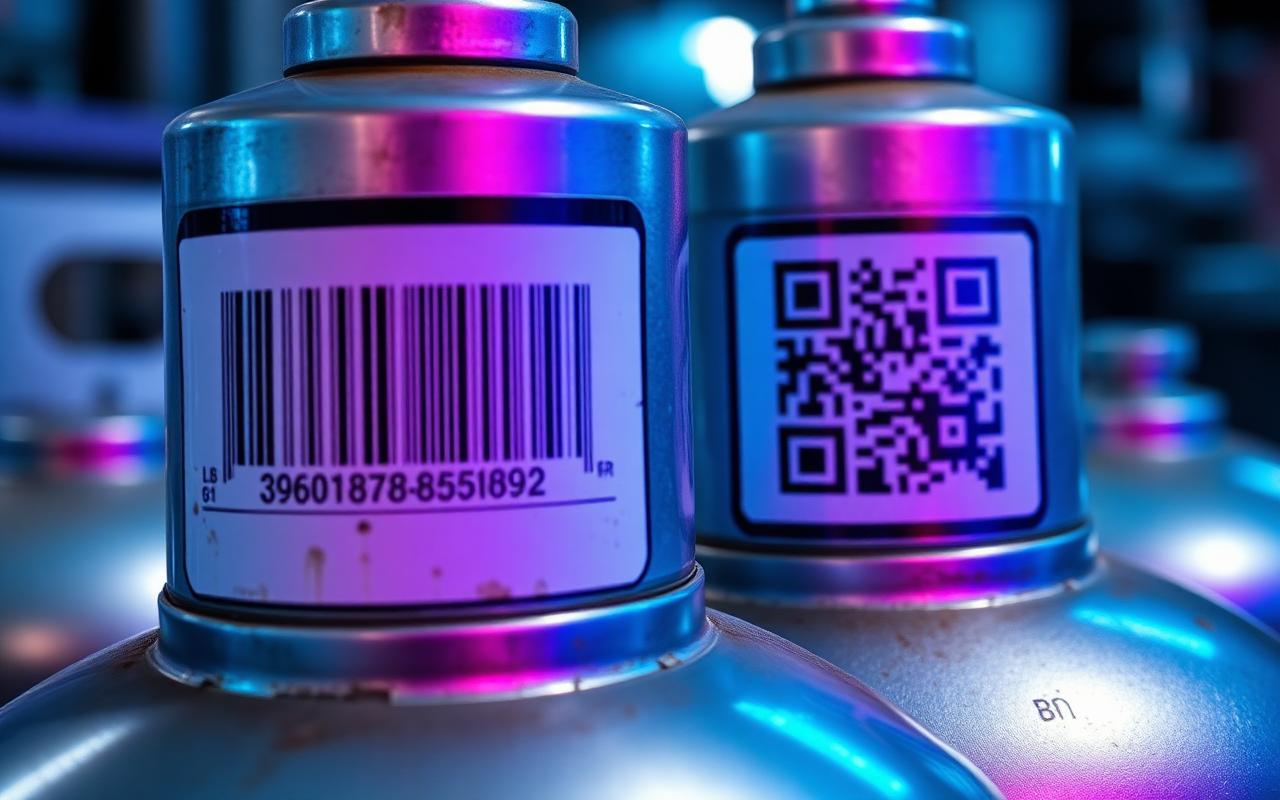
For cylinder assets, two families of barcode symbology dominate the market, and the right choice depends heavily on how much data needs to be encoded and how the label will be scanned in practice.
- 1D barcodes (Code 128 and similar): compact, fast to print and fast to scan, ideal when the label only needs to encode a simple asset ID that a central database looks up for everything else. Code 128 is a mature, widely supported standard and remains the most common choice for high-volume industrial cylinder fleets that scan primarily with dedicated handheld scanners.
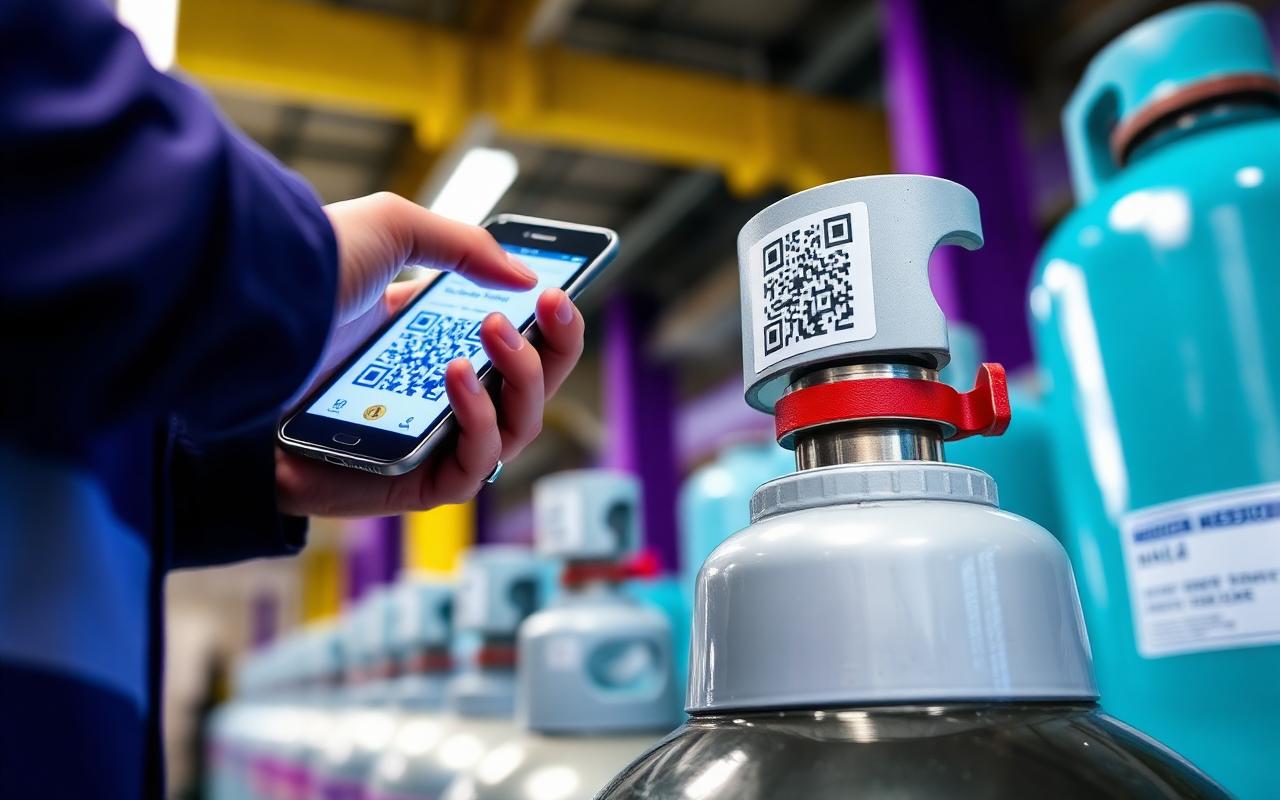
- 2D codes (QR and Data Matrix): hold significantly more data directly within the code itself, survive partial physical damage far better than a 1D barcode, and can be scanned with an ordinary smartphone camera rather than requiring a dedicated scanner — a major advantage for customer-facing "digital passport" use cases where a hospital porter or a customer's own staff might need to scan a cylinder without specialised equipment.
Data Matrix in particular is often preferred on small valve guards and curved cylinder shoulders because its dense, square structure stays readable even when a meaningful portion of the code has worn away or been scratched, something a 1D barcode cannot tolerate at all — a single damaged bar in a Code 128 label can render the entire code unreadable.
| Symbology | Data capacity | Damage tolerance | Scanning hardware needed | Best fit |
|---|---|---|---|---|
| --- | --- | --- | --- | --- |
| Code 128 (1D) | Low, ID lookup only | Low — any bar damage breaks a read | Dedicated laser or imager scanner | High-volume depots with handheld scanners |
| QR code | Medium to high | Moderate | Smartphone camera or imager | Customer-facing scans, mobile apps |
| Data Matrix | Medium to high | High, tolerates partial damage | Imager scanner or smartphone | Small valve guards, harsh environments |
Why label material is everything
The number one cause of failed cylinder barcodes is not the code itself — it is a label that peeled, faded or abraded away within months of being applied, leaving a perfectly good code with nothing left to scan.
This single observation explains more barcode program failures than any decision about symbology, print resolution or database design combined. A company can choose the most damage-tolerant Data Matrix code available, print it flawlessly, and still lose the label entirely within a year if the underlying substrate and adhesive were never specified for the environment the cylinder actually operates in — repeated exposure to sun, rain, chemical wash-downs, or simply the constant scraping of cylinders being racked and unracked in a busy filling yard.
Specifying labels correctly means matching every material choice to the environment the cylinder will actually experience over its working life, not the conditions of a clean office where a sample label might have been tested:
- Substrate: anodised aluminium tags or industrial-grade polyester film hold up far better than paper or standard vinyl, which degrade quickly under UV exposure and repeated handling.
- Adhesive: high-tack, temperature-rated adhesive formulated for the specific gas types and storage conditions involved — a cylinder stored outdoors in direct sun needs a different adhesive rating than one kept in a climate-controlled medical gas store.
- Overlaminate: a clear protective laminate layer guards the printed code against abrasion, solvents and general wear, extending the usable life of the label by years in harsh environments.
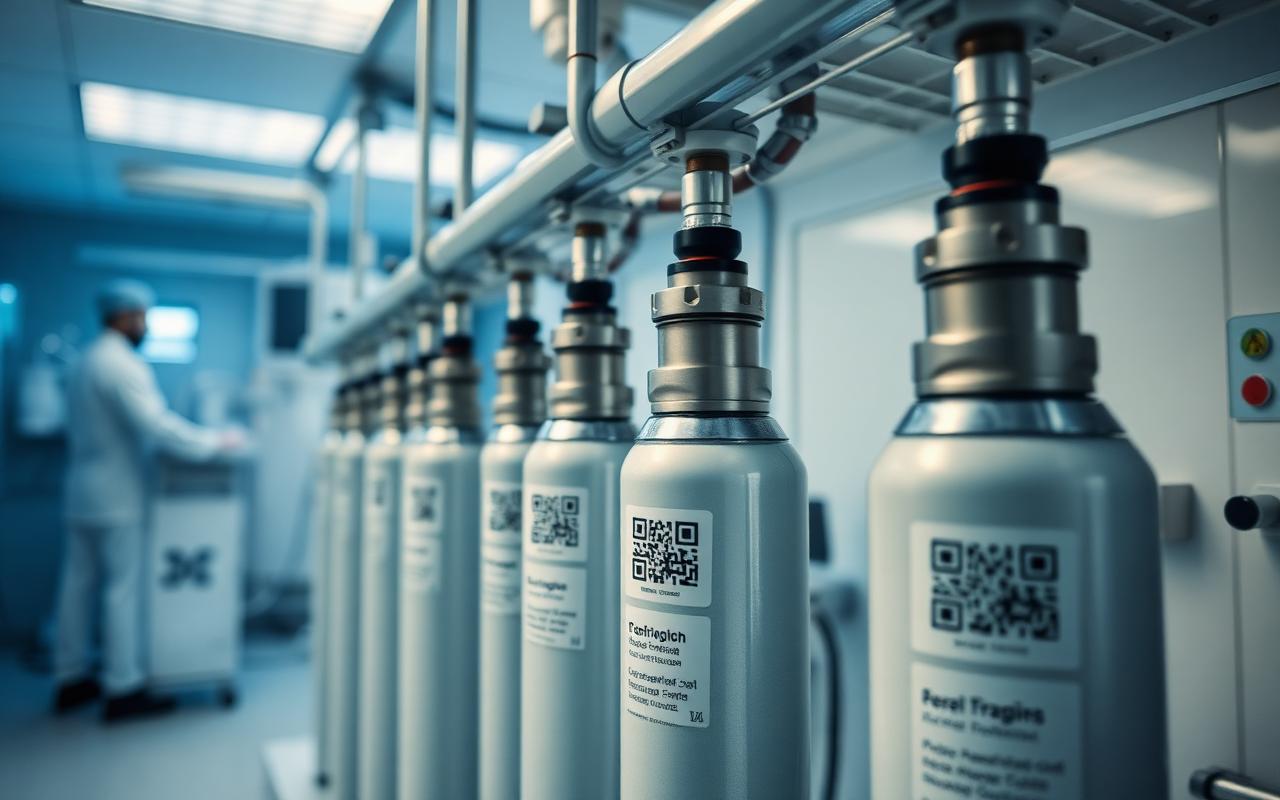
- Placement: the shoulder or valve guard area is generally preferable to the cylindrical body, since it experiences less direct contact during racking, rolling and stacking, and is typically easier for a scanner or camera to access at an angle.
Printing and applying labels correctly
- Print on a thermal-transfer printer with a resin ribbon, rather than a direct-thermal printer, since resin-ribbon prints resist fading and smudging far better over a multi-year label life — direct-thermal prints are prone to fading from heat and sunlight exposure alone, independent of any physical wear.
- Verify each label with a scanner before it goes on the cylinder. A verification step at the point of printing catches misprints, poor contrast, or damaged ribbon output before a bad label ever reaches the field, where it is far more expensive to discover and fix.
- Clean the cylinder surface thoroughly before application so the adhesive bonds properly; oil, dust or old adhesive residue from a previous label are among the most common reasons a new label fails prematurely.
- Record the tag against the cylinder's digital identity at the moment of application, capturing the specific cylinder's serial number, manufacture date and test history against the new barcode ID so that historical records carry forward rather than starting from a blank slate.
Building a resilient scanning workflow
Good hardware and good labels only pay off if the scanning workflow around them is designed to actually get used consistently by busy staff under real operating conditions. A few practices separate resilient scanning programs from ones that quietly fall apart within a few months:
- Use rugged scanners rated for the environment — a consumer-grade device will fail quickly in a filling yard exposed to dust, moisture and drops, while an industrial-rated scanner or ruggedised smartphone in a protective case survives daily use for years.
- Train staff to scan at every handoff, not just the first and last. A workflow that only captures dispatch and return, skipping intermediate transfers between depots or vehicles, leaves gaps that make loss investigation far harder later.
- Design the process so a missed scan is obvious immediately, for example by requiring a scan confirmation before a delivery can be marked complete in a driver mobile app, rather than allowing staff to bypass the step and enter data manually after the fact.
- Pair everyday barcode scanning with RFID at high-throughput points such as depot gates, using cylinder rfid software where bulk automatic reads matter more than individual barcode scans, since manually scanning hundreds of cylinders passing through a single gate is impractical.
- Audit scan compliance regularly, reviewing which handoff points have gaps in their scan records and addressing training or hardware issues before they become chronic blind spots in the tracking data.
Handling the inevitable: damaged, duplicate and reprinted labels
No matter how well a barcode program is specified, some labels will eventually fail in the field — worn beyond readability, torn off during handling, or damaged in an accident. A mature barcode program plans for this reality rather than treating it as an exception that breaks the system.
The key practices here include maintaining a clear reprint workflow that links a replacement label back to the same underlying cylinder record rather than accidentally creating a new, disconnected identity for what is physically the same cylinder — a mistake that silently fragments historical data and undermines everything from compliance reporting to loss-rate analysis. Duplicate detection matters just as much: a system should flag if the same barcode ID is scanned in two different locations at effectively the same time, which usually indicates either a printing error that produced two labels with the same code, or a data entry mistake during initial setup. Finally, damaged-label handling needs a defined process — when a scanner reports a partial or failed read, staff need a clear fallback, whether that is a manual ID lookup by cylinder serial number stamped into the metal itself, or a temporary label applied on the spot pending a full reprint back at the depot.
Barcode versus RFID versus QR: choosing the right mix
Many operators assume they must choose a single technology for their entire fleet, but the most cost-effective programs typically use a deliberate mix suited to different parts of the operation.
- Cylinder barcode software remains the most cost-effective default for the bulk of a standard industrial cylinder fleet, where individual scans at each handoff are manageable and the hardware cost per cylinder needs to stay low.
- Cylinder qr tracking adds real value wherever customers, hospital staff or field technicians need to scan a cylinder using their own smartphone rather than specialised equipment, making it a natural fit for customer portal self-service features.
- Cylinder rfid software earns its higher per-tag cost at high-throughput choke points — depot gates, filling line entry and exit points — where reading dozens or hundreds of cylinders in bulk without individual line-of-sight scanning saves substantial labour time.
Implementation checklist for a new or refreshed barcode program
- Audit the current fleet and environment. Document cylinder types, gas categories, storage conditions and handling patterns before specifying any label material.
- Choose symbology per use case, not as a single blanket decision — Code 128 for bulk industrial tracking, Data Matrix or QR where damage tolerance or smartphone scanning matters most.
- Specify label substrate, adhesive and overlaminate against the harshest conditions the cylinder will realistically face, not the average conditions.
- Set up print verification as a mandatory step before any label leaves the printing station.
- Define placement standards and train the labelling team to apply tags consistently in the same location across the fleet.
- Build the reprint and duplicate-detection workflow into the core cylinder inventory software before the first label goes into the field, not as an afterthought once problems appear.
- Roll out scanning training using a simple, low-friction mobile workflow, and monitor scan compliance during the first few weeks to catch gaps early.
- Review loss and read-failure data quarterly to refine label specifications and placement standards based on real-world performance rather than assumptions.
Bringing it all together
Good hardware paired with a platform that genuinely expects real-world wear — supporting reprint workflows, duplicate detection and damaged-label handling as first-class features rather than edge cases — keeps cylinder data clean for years rather than degrading within months. This is a foundation that pays off well beyond simple identification: accurate barcode data underpins everything from cylinder loss prevention programs to cylinder analytics dashboards that depend on trustworthy, continuous scan history to produce meaningful insight rather than noisy, gap-ridden reports.
Frequently asked questions
Should we switch our entire fleet to Data Matrix codes immediately? Not necessarily. Code 128 remains perfectly adequate for bulk industrial tracking with dedicated scanners; Data Matrix earns its higher printing cost mainly where damage tolerance or small label real estate is a real constraint.
How often should cylinder barcode labels be inspected? Most operators find it practical to check label condition during routine handling events such as filling or testing, rather than scheduling separate dedicated inspections, since this catches worn labels without adding extra steps.
What should happen when a barcode fails to scan in the field? Staff should have a documented fallback — typically a manual lookup using the cylinder's stamped serial number — and the failed scan should trigger a reprint request rather than being logged as a workaround and forgotten.
Can barcode and RFID coexist on the same cylinder? Yes, and many operators do exactly this, using a barcode for individual handling scans and an RFID tag for bulk gate reads, giving them the strengths of both technologies without committing the entire fleet to one or the other.
GCT supports barcode, QR and Data Matrix natively alongside RFID, so operators are never locked into a single symbology as their fleet and use cases evolve. Need help specifying labels for your specific gases and environment? Contact our team or book a demo to see the full workflow from printing to field scanning.
Common mistakes that undermine a barcode program
Even well-intentioned programs frequently repeat the same avoidable errors. One common mistake is selecting a label material based on cost alone without testing it against the actual environmental conditions the cylinder will face, only to discover months later that a large batch of labels has degraded faster than expected across an entire depot. Another is skipping print verification to save time during a large labelling drive, which allows a batch of poorly printed labels to reach the field where the cost of discovering and fixing the problem is far higher than catching it at the printer. A third is failing to standardise label placement across the fleet, leaving scanning staff to hunt for the code in a different location on every cylinder, which slows down every single scan and increases the temptation to skip scanning altogether during busy periods.
A more subtle mistake is neglecting to plan for barcode lifecycle management from the outset — deciding in advance how reprints, damaged labels and eventual cylinder retirement will be handled in the data model, rather than improvising a fix once the first damaged label actually shows up in the field. Companies that plan this lifecycle upfront avoid the data fragmentation that comes from treating each label failure as a one-off exception.
Training staff for long-term consistency
Barcode programs tend to degrade slowly rather than fail suddenly, which makes ongoing training and reinforcement just as important as the initial rollout. New staff joining the filling floor or delivery fleet need the same scanning discipline as those who were there for the original rollout, and this only happens if scanning training becomes a standard part of onboarding rather than a one-time event tied to the original software launch. Periodic refresher sessions, paired with visible scan-compliance metrics shared with the team, help sustain the discipline that keeps barcode data trustworthy years after the initial investment was made.
Explore related GCT software
Put the ideas in this article into practice with the GCT modules and technologies built for it.
Run a smarter cylinder fleet with GCT
GCT gives gas companies barcode, QR & RFID tracking, automated billing, compliance dashboards and a mobile field app — all in one platform.
Running an enterprise gas distribution operation? Explore the Cylinder Tracking Management System at ctmsgas.com for enterprise-grade cylinder ERP deployments.